
Free Grok Bot setup, connected to your Gmail, Calendar and Drive
Your bot learns your day from the apps you already use, so calendar set-up, inbox checking and app-switching stop eating your time.
Book your free LaunchFree. Fixed scope.
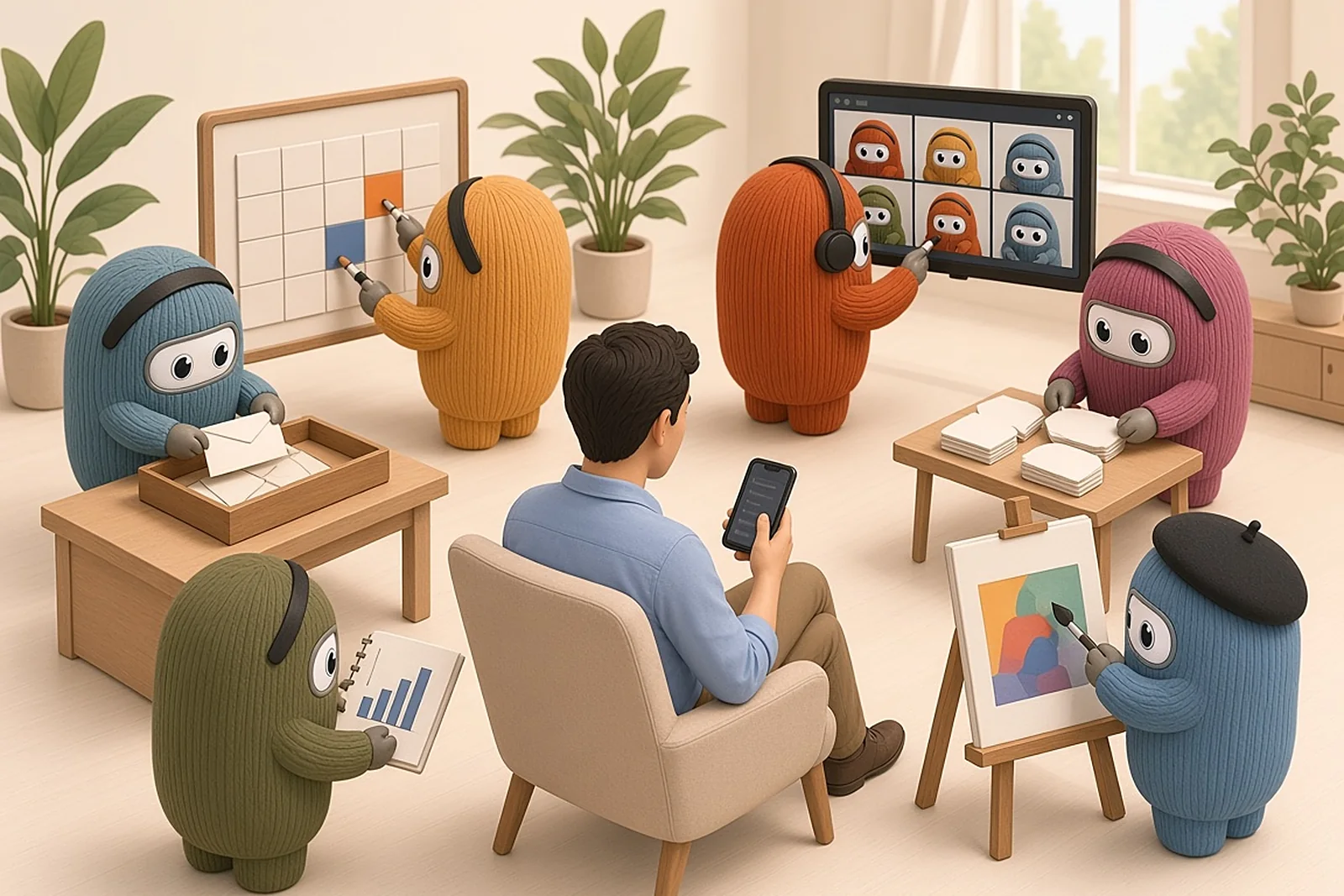
Your morning, before and after
Same morning. Same three apps. One of them is calmer.
Before
- Gmail
- Calendar
- Drive
- Open the inbox. Scan what's unread.
- Open the calendar. Work out the day.
- Find the invite. Find the email behind it.
- Hunt the folder for the right version.
- Switch back. Lose your place.
After
One short brief
Your meetings
In order, with who and why.
Reply first
A client asking you to confirm Thursday.
Read before your first call
The latest proposal, with the link.
Drafts to check
Replies, ready for you to approve.
What gets easier once your bot knows your context
Each one works with just Gmail, Calendar and Drive.
A morning brief, not three apps
Before
You open your inbox, your calendar and a folder just to learn what your day holds.
After
One short brief: your meetings in order, who they're with, and what to read first.
Uses- Calendar
- Gmail
- Drive
Know what needs a reply today
Before
You scroll the inbox, deciding what matters.
After
A short list, most important first, with one line on each.
Uses- Gmail
Replies drafted in your tone
Before
Every reply starts from a blank box.
After
Short drafts are waiting for you to check. Nothing goes out until you approve it.
Uses- Gmail
Meeting times, found
Before
Back-and-forth to find a time that works.
After
A free slot found in your calendar and the invite drafted, ready for you to approve.
Uses- Calendar
- Gmail
“The latest proposal”, found
Before
You hunt through folders and versions.
After
Ask for it by name. Get the file, who last edited it and when.
Uses- Drive
Ready before each call
Before
You search for the last email and the right doc just before the call.
After
Who it's with, the recent emails and the doc to open, ready ahead of the meeting.
Uses- Calendar
- Gmail
- Drive
Follow-ups, caught
Before
A thread goes quiet and the follow-up slips.
After
Emails still waiting on a reply are listed, each with a polite nudge drafted for you.
Uses- Gmail
Long threads, short answers
Before
You read a whole thread or document to find the point.
After
Five lines: what's decided, what's open, and what's yours to do.
Uses- Gmail
- Drive
All of this from three apps you already use.
Book your free LaunchBook your free Launch.
Questions
Your bot drafts. You approve anything that goes out.
Your bot prepares drafts. Nothing is sent, booked or shared until you approve it.
How much does it cost?
The Launch is free and has a fixed scope. If you later want your bot to take on more of your work, we'll scope that with you as a separate paid step. There's no obligation.
What do I need for the Launch to work?
A Grok Bot account, and a Google account with Gmail, Google Calendar and Drive. Notion is optional, if you already use it. We set it up together on a call.
What does the Launch connect?
Your Grok Bot gets access to Gmail, Google Calendar and Drive, plus Notion if you use it. That lets it work from your real emails, meetings and files, like the examples above. Automating wider business jobs isn't part of the Launch.